
How to Build a Construction Financial Dashboard
Quick Answer
A construction financial dashboard gives contractors one place to monitor job profitability, cash flow, backlog, overhead, receivables, and work in progress. The best dashboard isn't built by adding more reports—it's built by connecting reliable accounting systems into a small set of numbers you review every week. When the underlying data is clean, problems become visible before they affect profit.
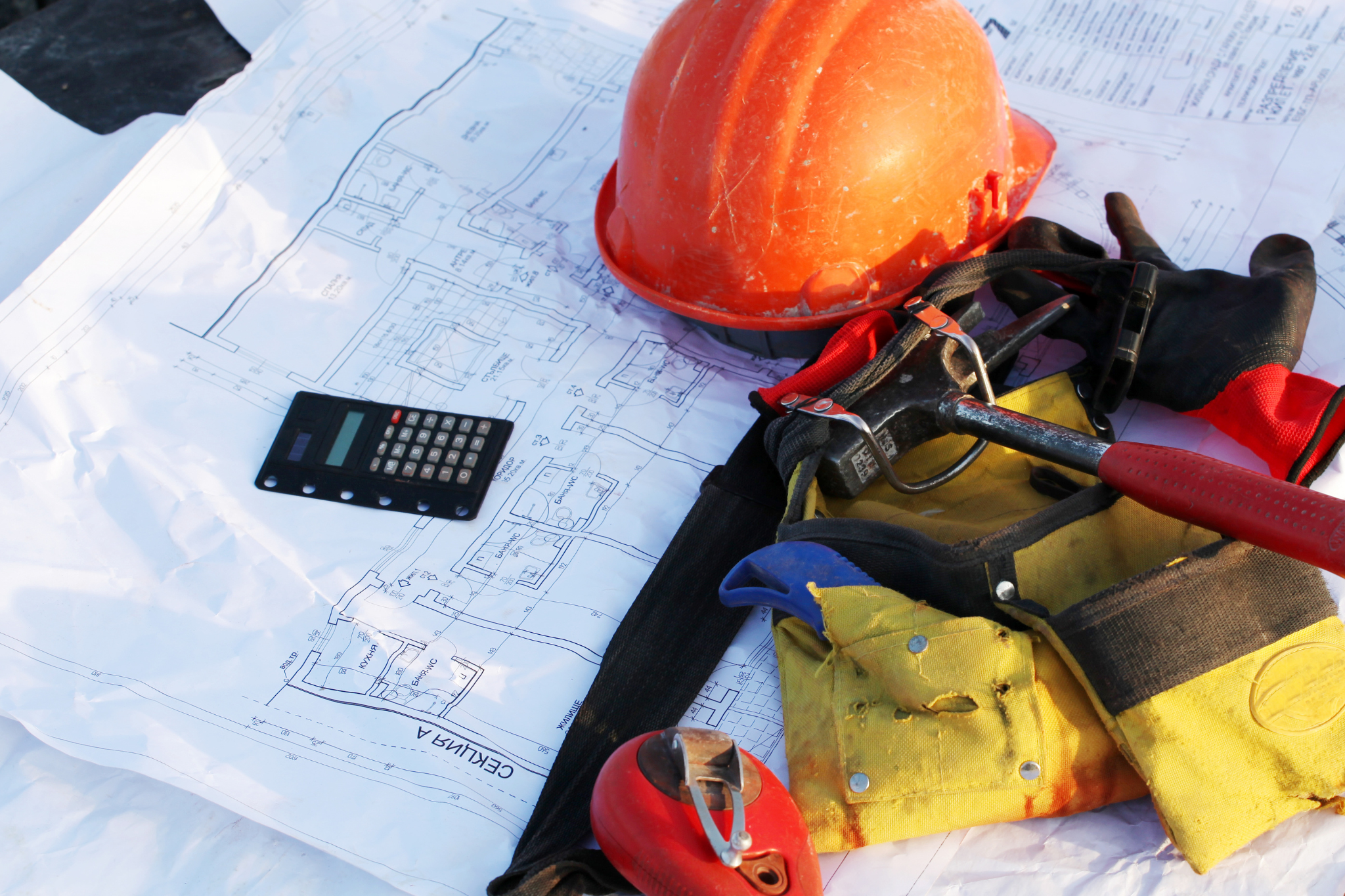
The Problem: Most Contractors Are Managing from Too Many Reports
Many contractors spend hours jumping between:
QuickBooks reports
Spreadsheets
Bank balances
Payroll reports
Job costing reports
WIP schedules
Every report answers one question.
None answer the bigger question:
"How is the business actually performing right now?"
Without a dashboard, it's easy to:
Miss declining job margins
Ignore growing receivables
Overlook cash flow problems
Miss jobs falling behind budget
React weeks after problems begin
Before building any dashboard, make sure your accounting data is dependable. Our Job Costing Health Report helps identify the gaps that make dashboard numbers unreliable.
Why Dashboards Fail
Most dashboard failures aren't technology problems.
They're system problems.
A dashboard only reflects the quality of the underlying information.
If your company struggles with:
inconsistent cost codes
delayed invoices
incomplete labor tracking
poor job setup
late monthly closes
your dashboard simply displays inaccurate information faster.
This is why contractors should first establish consistent processes such as:
How Contractors Should Set Up Job Costing in QuickBooks Online
Monthly Close Checklist for Contractors (The Control System Most Shops Skip)
A dashboard should summarize reliable systems—not replace them.
Step-by-Step: Building a Contractor Dashboard
1. Start with Company-Level Metrics
What to include
Cash available
Accounts receivable
Accounts payable
Revenue
Gross profit
Net profit
Overhead percentage
Why it matters
These numbers show whether the business itself is healthy—not just individual projects.
What happens if skipped
Contractors often focus entirely on field production while missing larger financial trends.
2. Add Job Performance Metrics
Every active project should answer:
Budget
Actual cost
Remaining cost
Estimated final cost
Gross margin
Labor performance
Cost code overruns
These metrics should come directly from accurate job costing—not manual estimates.
If you're unsure whether your numbers are trustworthy, review your Job Costing Health Report before expanding your dashboard.
3. Track Work in Progress (WIP)
Every dashboard should include WIP visibility.
Monitor:
Underbilling
Overbilling
Percent complete
Earned revenue
Remaining contract value
Without WIP, profitable jobs can appear unprofitable while losing jobs appear successful.
Related reading:
4. Monitor Cash Flow Indicators
Cash deserves its own section.
Include:
Bank balances
Upcoming payroll
Upcoming tax obligations
Outstanding receivables
Retainage outstanding
Current payable obligations
This helps explain why revenue and cash rarely move together in construction.
5. Watch Operational KPIs
Financial dashboards should also include operational indicators.
Examples include:
Jobs behind schedule
Open change orders
Unapproved vendor invoices
Unentered payroll
Unbilled work
Labor utilization
Equipment recovery
Many financial problems begin as operational problems.
6. Keep the Dashboard Simple
One of the biggest mistakes is measuring everything.
Instead, limit the dashboard to roughly:
8–15 key metrics
Weekly review
Monthly trend comparison
Clear visual indicators
A dashboard should answer questions—not create more.
Contractor Dashboard Gotchas
Mistake #1: Measuring Too Many KPIs
More numbers create more confusion.
Focus on decisions—not data collection.
Mistake #2: Updating Too Slowly
Monthly updates often arrive after problems have already grown.
Many contractors benefit from reviewing dashboard metrics every week.
Mistake #3: Using Manual Spreadsheets Forever
Spreadsheets work initially.
As companies grow, automation becomes increasingly important for consistency and speed.
Mistake #4: Ignoring Data Quality
If labor isn't allocated correctly…
If invoices aren't entered…
If cost codes aren't consistent…
The dashboard becomes misleading.
This is why clean accounting systems always come before reporting systems.
Real-World Impact
A good contractor dashboard provides:
Better Visibility
Problems become visible earlier.
Faster Decisions
Owners spend less time searching for reports.
Better Cash Planning
Receivables, retainage, and upcoming obligations become easier to anticipate.
Earlier Margin Protection
Jobs showing declining profitability are identified while corrections are still possible.
Better Accountability
Project managers, office staff, and owners work from the same numbers instead of different reports.
Reviewing your Job Costing Health Report regularly helps ensure your dashboard continues to reflect accurate financial information instead of outdated or incomplete data.
Summary
A dashboard is not another report.
It's a management system that brings together the handful of financial and operational metrics contractors need to run the business with confidence.
When job costing, WIP reporting, labor tracking, monthly closes, and financial controls are consistent, the dashboard becomes an early warning system instead of a historical scorecard.
The goal isn't to track everything.
It's to make better decisions sooner.
FAQ
What should every contractor dashboard include?
At a minimum, include cash, accounts receivable, gross margin, active job profitability, WIP, overhead, backlog, and upcoming cash obligations.
How often should a contractor dashboard be updated?
Many contractors review dashboard metrics weekly, with a more comprehensive review completed after each monthly close.
Is a dashboard the same as job costing?
No. Job costing measures individual project performance. A dashboard combines job costing with company-wide financial and operational metrics to provide an overall view of the business.
Can I build a dashboard in QuickBooks Online?
Yes. Many contractors start with QuickBooks Online reports and customize them with additional WIP, forecasting, and operational information as their systems mature.
Why do contractor dashboards produce inaccurate results?
Most inaccurate dashboards stem from inconsistent job costing, delayed invoice entry, poor labor allocation, incomplete monthly closes, or inconsistent project setup—not from the dashboard itself.
Related Contractor Resources
Construction Forecasting Explained: How Contractors Gain Visibility Before Problems Appear
Monthly Close Checklist for Contractors (The Control System Most Shops Skip)
Call to Action
A dashboard is only as useful as the systems feeding it. If your reports don't match reality or you're unsure where the numbers break down, start with the Job Costing Health Report. It helps identify the system gaps that prevent contractors from getting reliable financial visibility.


Disclaimer
This content is for general educational purposes only and does not constitute tax, legal, or accounting advice. Individual circumstances vary, and tax and reporting requirements can change. Always consult a qualified CPA, tax professional, or legal advisor for guidance specific to your business.
